

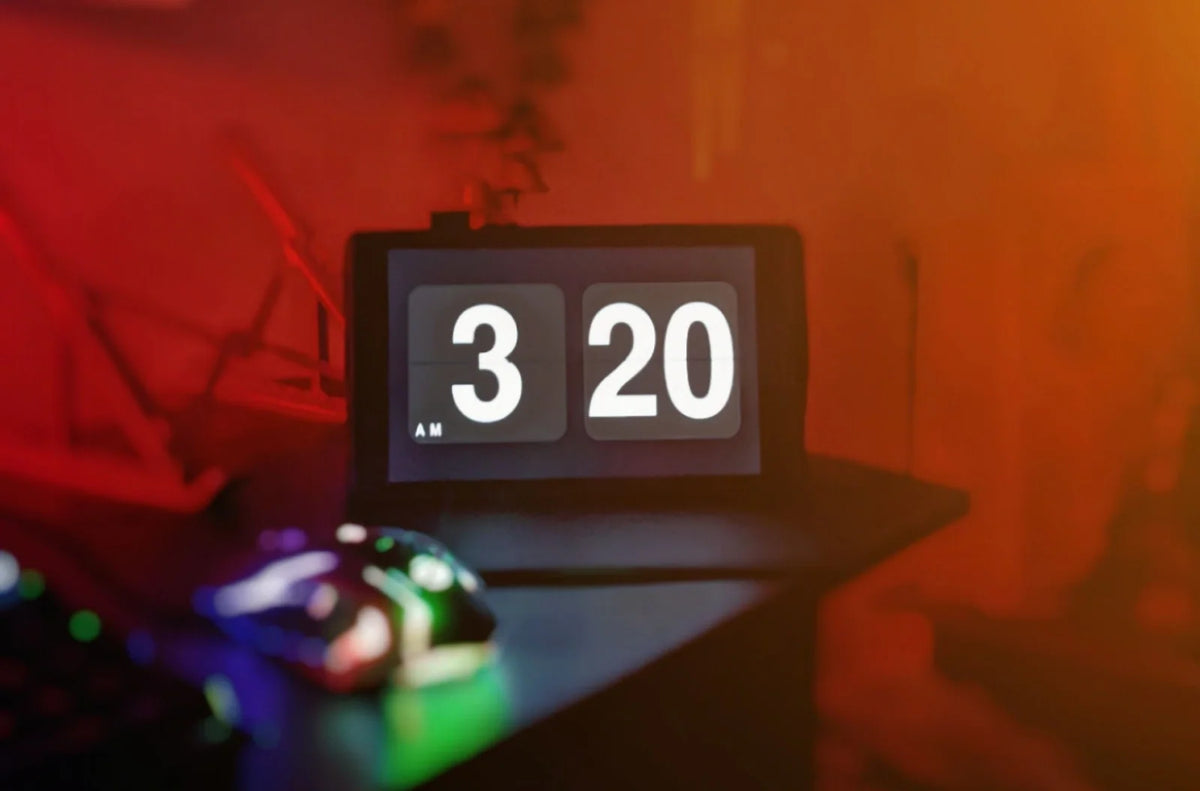
If your bedside alarm clock is too bright, check it from the place where the light bothers you: your pillow. Then sit up and check whether you can still read it. Those are two different viewing angles, and the difference can let you keep the clock you already own.
This is for keeping a usable clock in a darker shared room. If seeing the numbers makes you start calculating how much sleep is left, our guide to checking the clock less at night tackles that instead.
First, check both pillows
- Set the room up as you normally sleep. Leave any lighting you need for safe movement on. Look from both pillows at the clock, the wall, and any mirror or glossy furniture nearby. Sit up once to check what the person who needs the time can read.
- Separate the digits from the reflection. From bed, use a hand or an index card near your eyes to hide only the clock face for a moment. If a patch stays visible on a nearby surface, it may be a reflection. To check the source, briefly angle the clock without changing its brightness. If the patch moves or disappears, placement is worth trying before a new clock. Do not leave anything draped over the device.
- Compare one change at a time. Try the same two views after each change: lying on either pillow and sitting up to read. A position that looks better from the doorway may be no help once you lie down. If neither the digits nor a reflected spot explains the light, check the rest of the room before replacing the clock.
Turn it, dim it, or change the display?
- You can read the digits lying down, but there is no reflection: try turning the clock slightly toward the edge of the bed or lowering it on a stable shelf. Aim for a view when sitting, not a straight line to either pillow. Keep the speaker and controls clear.
- The digits are out of sight but the wall still glows: try moving the clock sideways or away from the shiny surface, rather than rotating it farther toward that surface. If the patch remains, try the lowest comfortable setting and check both pillows again.
- Low is still too bright, or dimming makes the time unusable: look for a clock with a documented screen-off or on-demand display and separate alarm controls. Check the manual rather than assuming that “dimmable” means “fully dark.” For example, DreamSky's support guide distinguishes its models that dim to dark from those with a low glow. If you already use an iPhone as a bedside display, Apple lists StandBy dimming and display timeout options; available settings depend on your model.
Check the wake-up signal before you rely on it
After moving or adjusting an ordinary wake-up clock, confirm the set time, day or repeat schedule if applicable, volume, and power. While awake, set a test alarm a minute ahead so you can check that it sounds in the new configuration. Then restore your real alarm. That tests the setup, not whether it will wake you. Do not use this check to change, cover, or disable safety or care equipment. If you are using a charging phone, keep it on a stable, ventilated surface rather than under a pillow or blanket, consistent with Apple's charging safety guidance.
A 2022 expert consensus on indoor light recommends keeping sleep environments dark when practical. It does not tell you what a particular clock will do to your sleep. The pillow check is a simpler goal: see where the glow lands and keep the level of light you actually need. If several sources still reach your side of the bed, our guide to making a shared room darker without making it pitch black can help. A comfortable sleep mask is an option if you prefer eye coverage; it will not change how bright the room is for the other person.


Share:
Is a Regular Sleep Schedule More Important Than How Many Hours You Sleep?
How to Sleep at Someone Else's House Over the Holidays